|
GNOME Desktop Environment
2015/04/25 |
|
Change Unity Desktop by default to GNOME Desktop Environment.
|
|
| [1] | Install GNOME Desktop Environment. |
|
root@dlp:~#
apt-get -y install gnome # select Gdm or Lightdm you like during installation
|
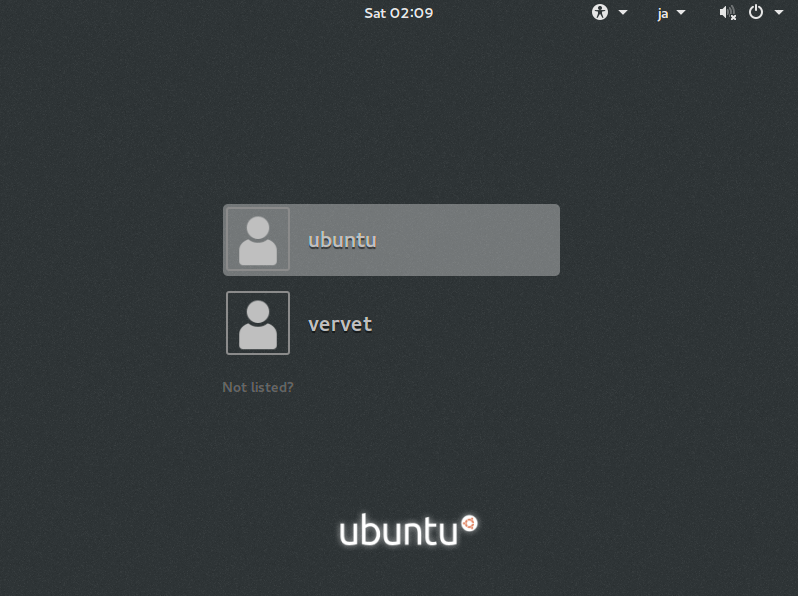
| [2] | After rebooting, login screen is displayed, Select login user. |
|
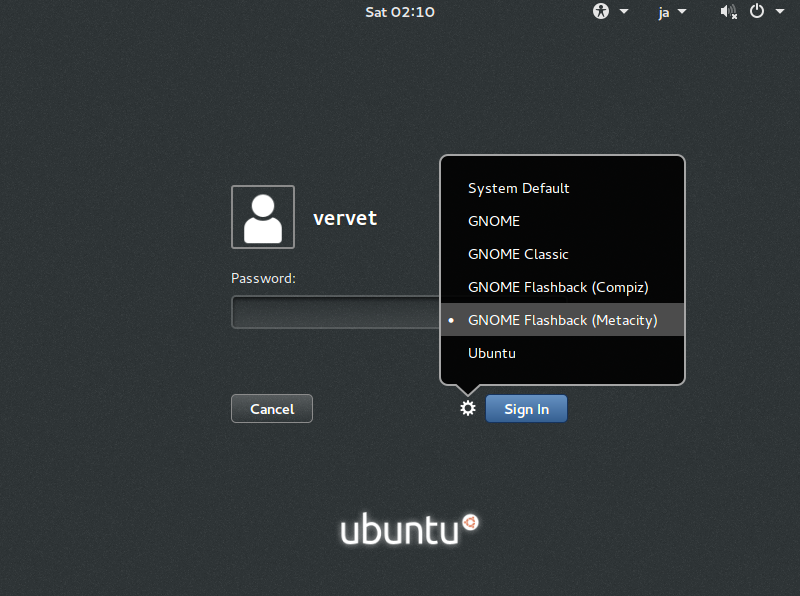
| [3] | Click the icon that is located near the "Sign In" button like follows, then it's possible to select Desktop Environments. For exmaple, this example selects "GNONE Flashback (Metacity)". |
|
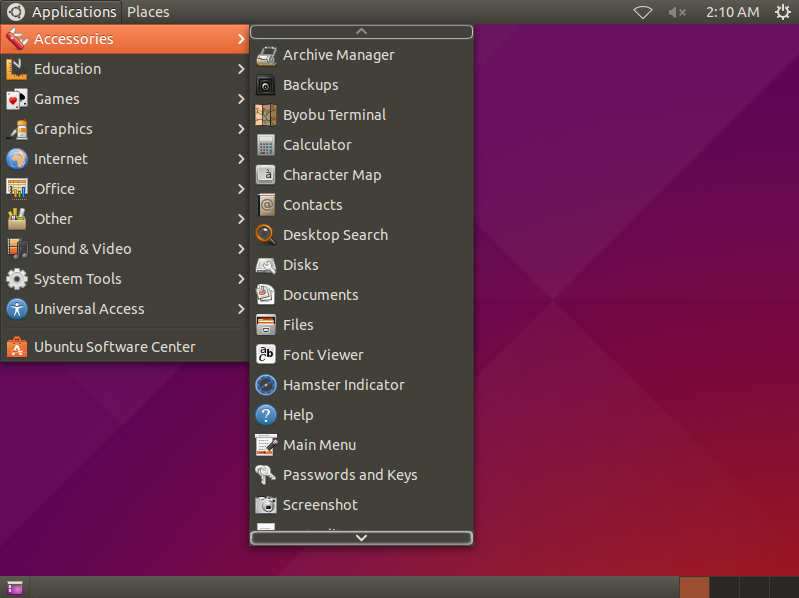
| [4] | It is just changed to GNOME Desktop Environment. |
|